
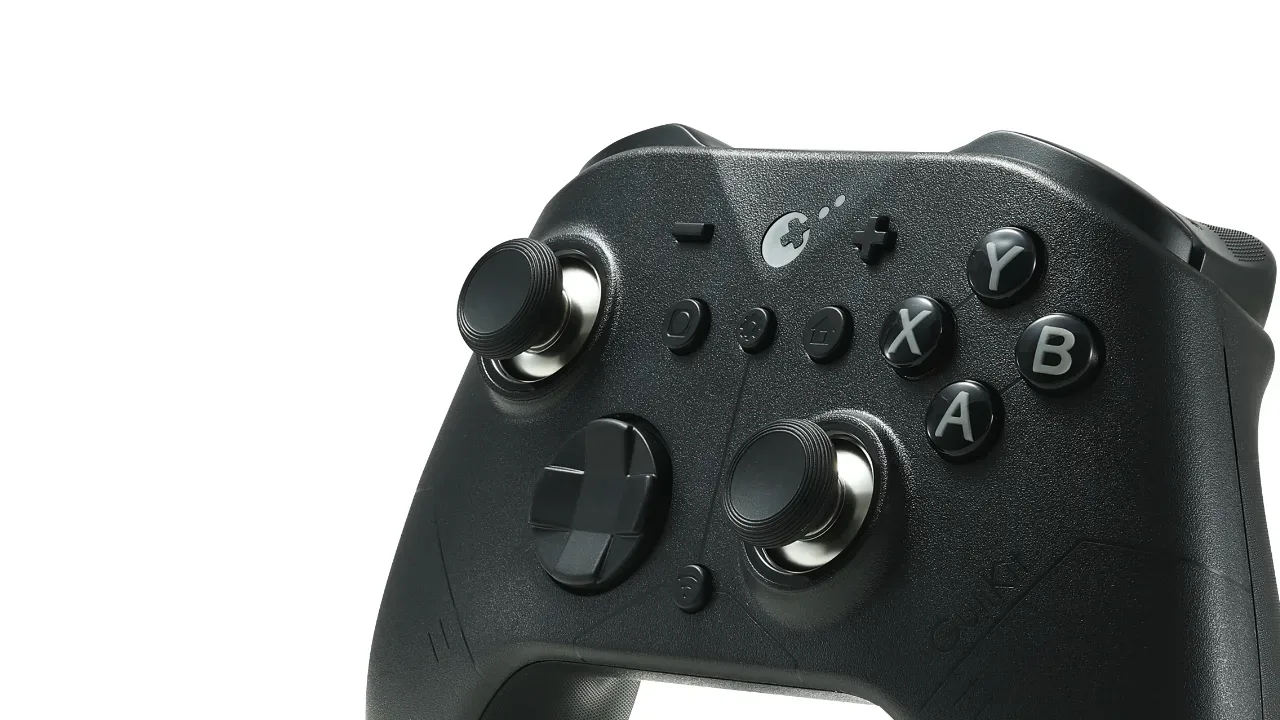

It's not the MAX Evolution You'd Expect
Does the lower price hinder its true performance?
What do you do when your favourite controller finally reaches that dreaded point of wear and tear in its life: Stick Drift?
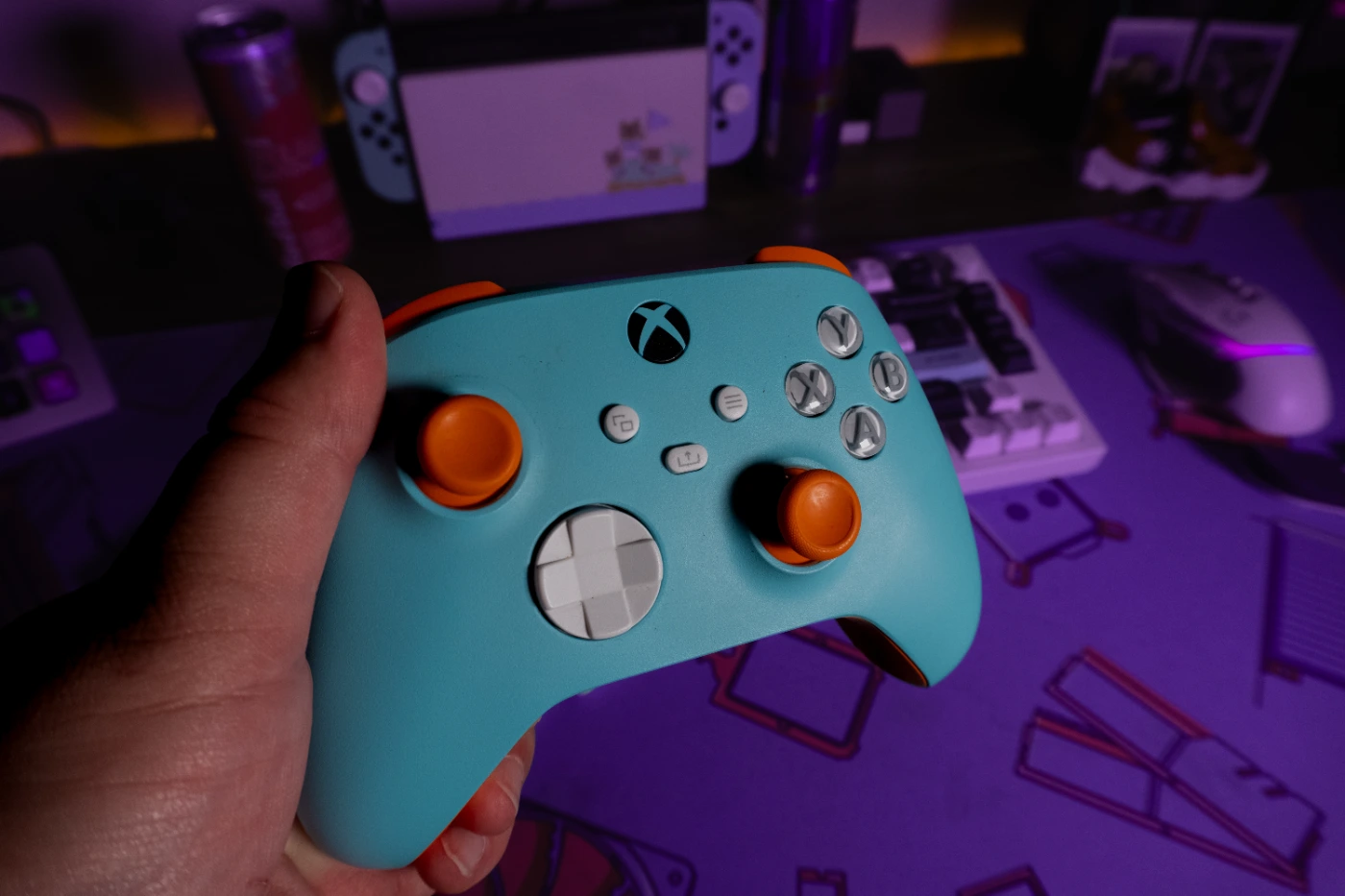
For me, my beloved Halo 4 Special Edition was my favourite controller ever, gifted to me by my girlfriend during the launch of the last great Halo (minus you, Halo: Campaign Evolved). Alas, a standard Xbox One controller became my default, but stick drift came along, and then I replaced it with my Xbox Design Lab controller, inspired by the iconic Gulf McLaren colourway as shown below! Along with a couple of budget options for my Switch from Walmart, I was set for success: one controller for my XBOX and PC, and several shapes and sizes for my Switch.
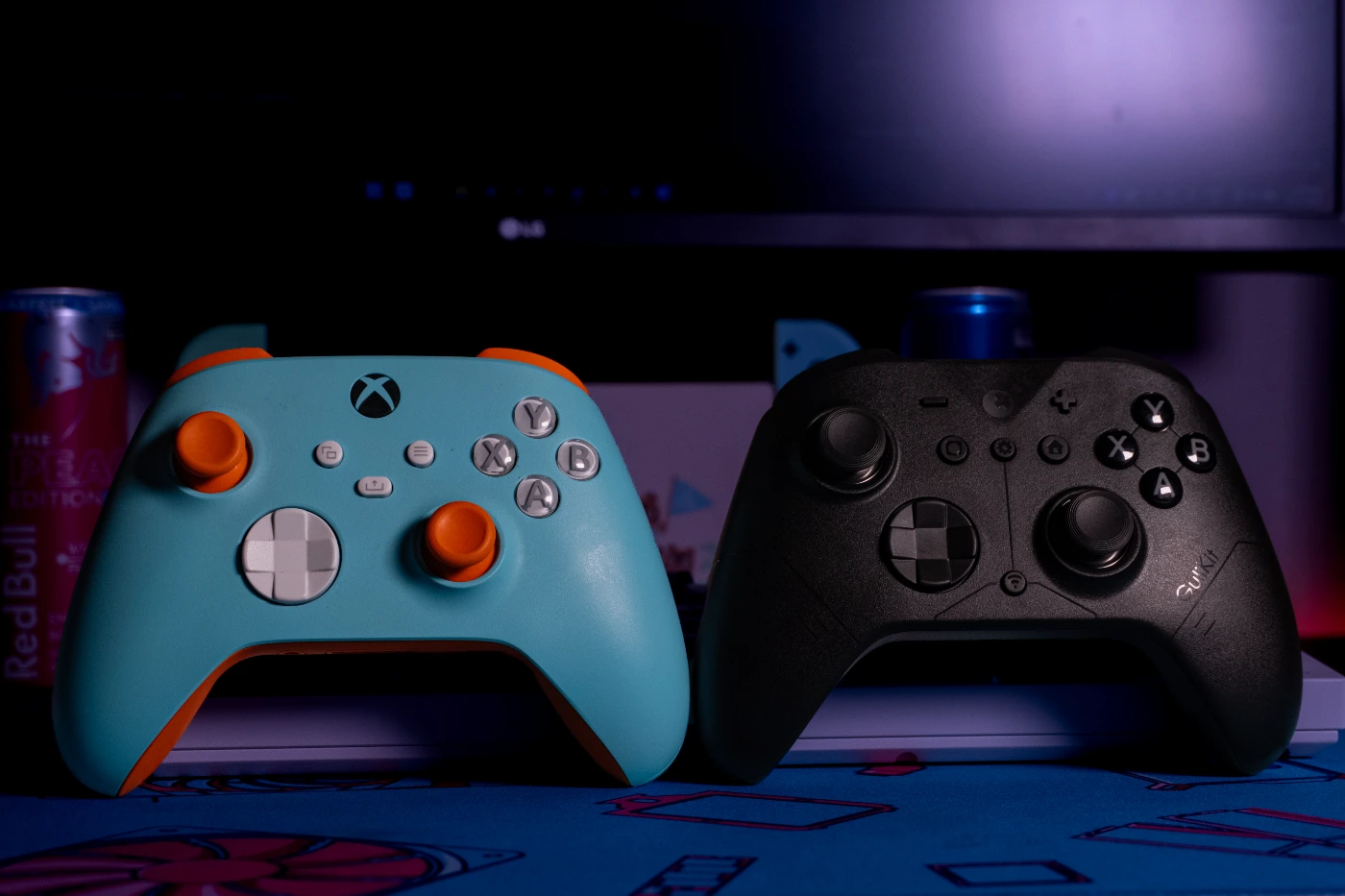
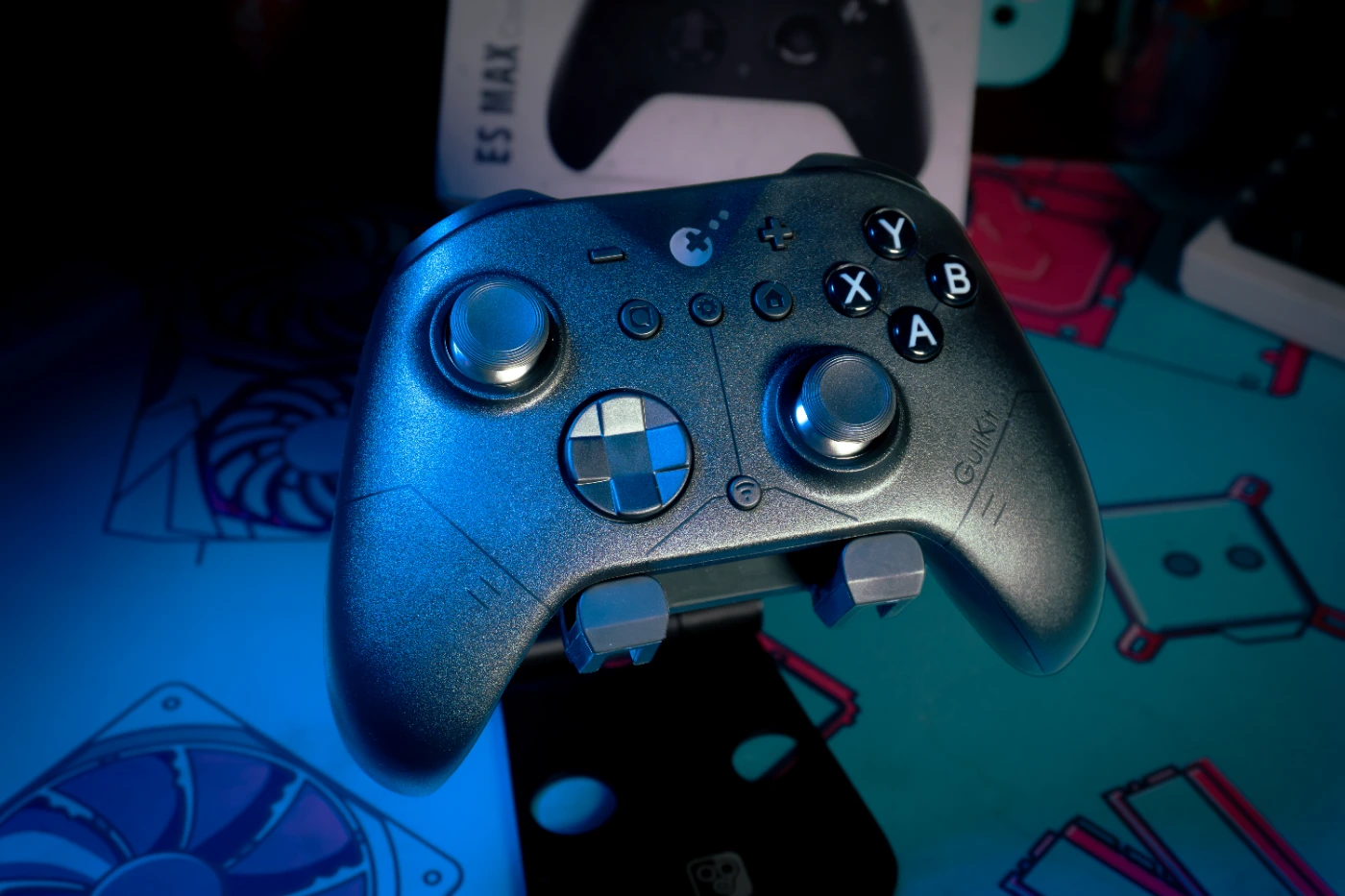
But times change, sticks wear out, and suddenly you need a new controller that can pull double duty. That brings us to the GuliKit ES MAX Controller. Now, this is positioned as a more affordable alternative to the Pro Controllers we know of. Controllers like the XBOX Pro Controller 2, Razer's Wolverine V3 Pro 8K, and SCUF's Valor Pro. SPOILER ALERT: These aforementioned options cost HUNDREDS of Freedom Dollars (USD), whereas GuliKit's ES MAX is only 1/4 of the price. But more on that later...
Real quick, have a quick watch of my unboxing and feature reel below! You don't even have to leave our site to see what comes with the ES MAX in the box. I also go over some of the high-level features that you can control and customize in GuliKit's app! But a quick note: the app only works when you have a controller paired with a system! You can't make any adjustments otherwise!
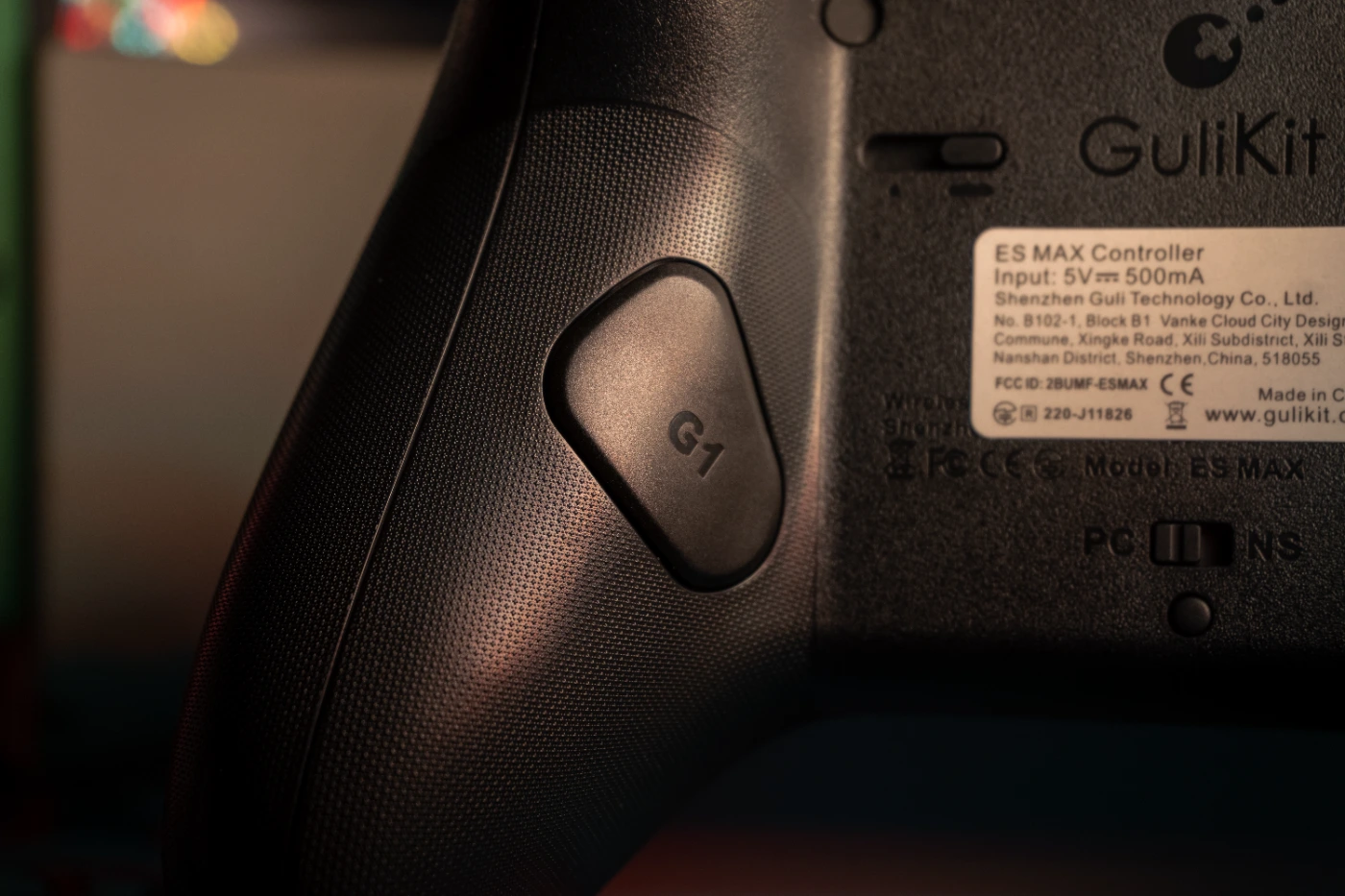
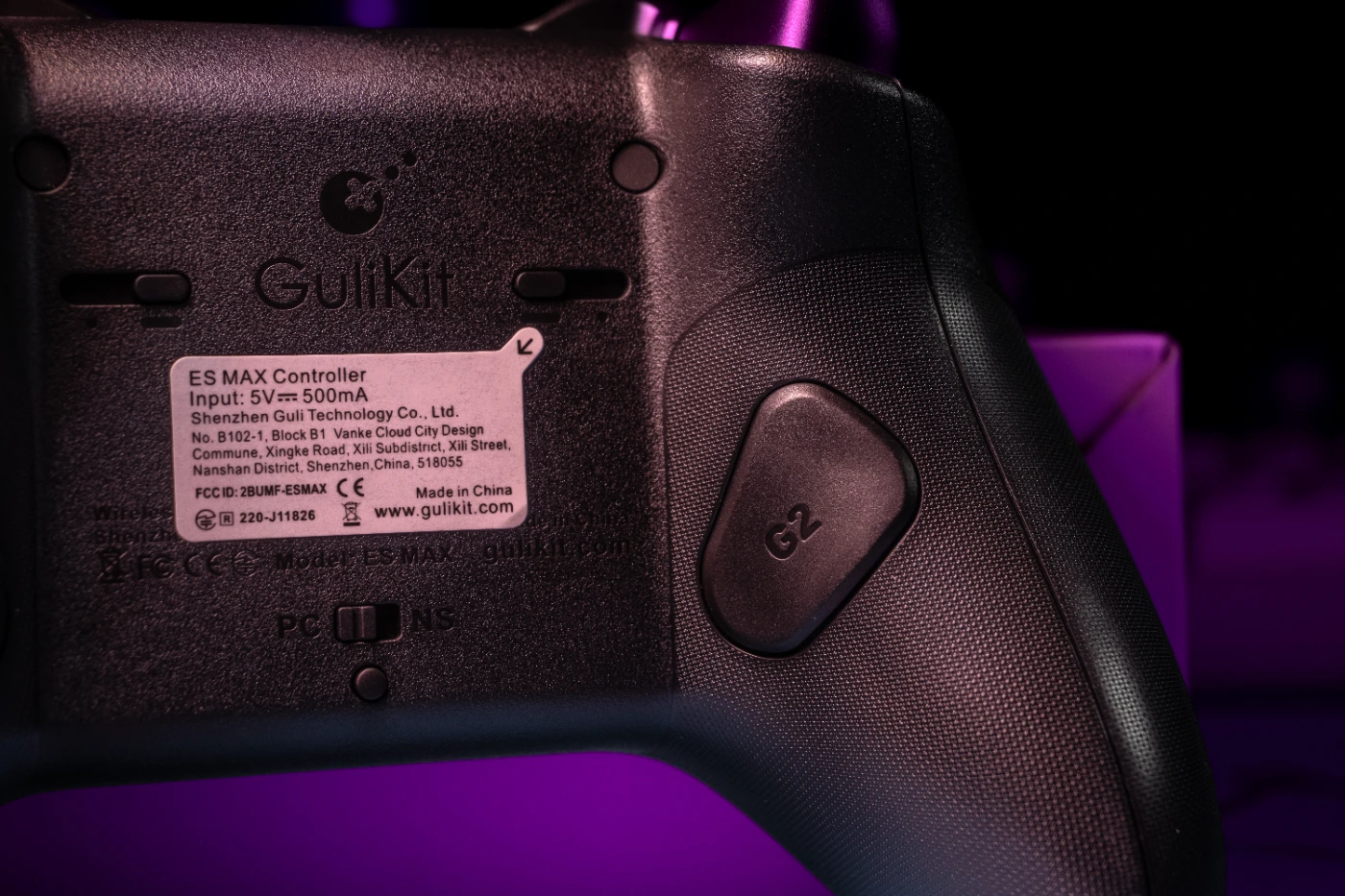
For the fit and finish, everything is pretty tactile, with good button travel for most of the face buttons, triggers, and bumpers. I love being able to switch the triggers from full analog pull to the quickfire position using the sliders on the back. I also love having extra buttons on the back that you can remap in the app! But what I noticed is that the click on my L3 and R3, while not as bad as Brayden's, was a little stiff, especially on L3, but it wore in after a few hours of playthrough. Yes, we did confirm our findings on this to make sure that we didn't get any bad samples!
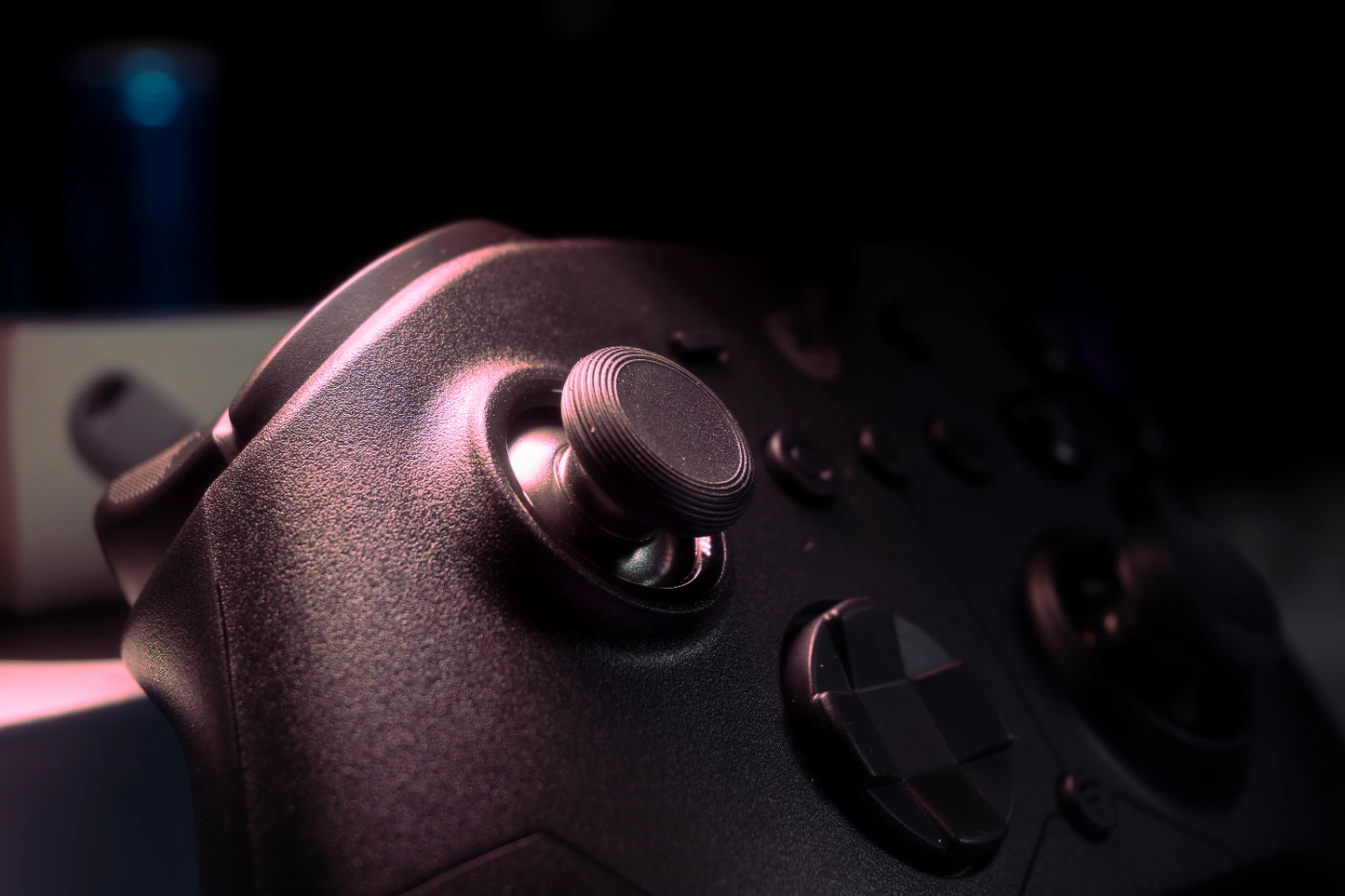
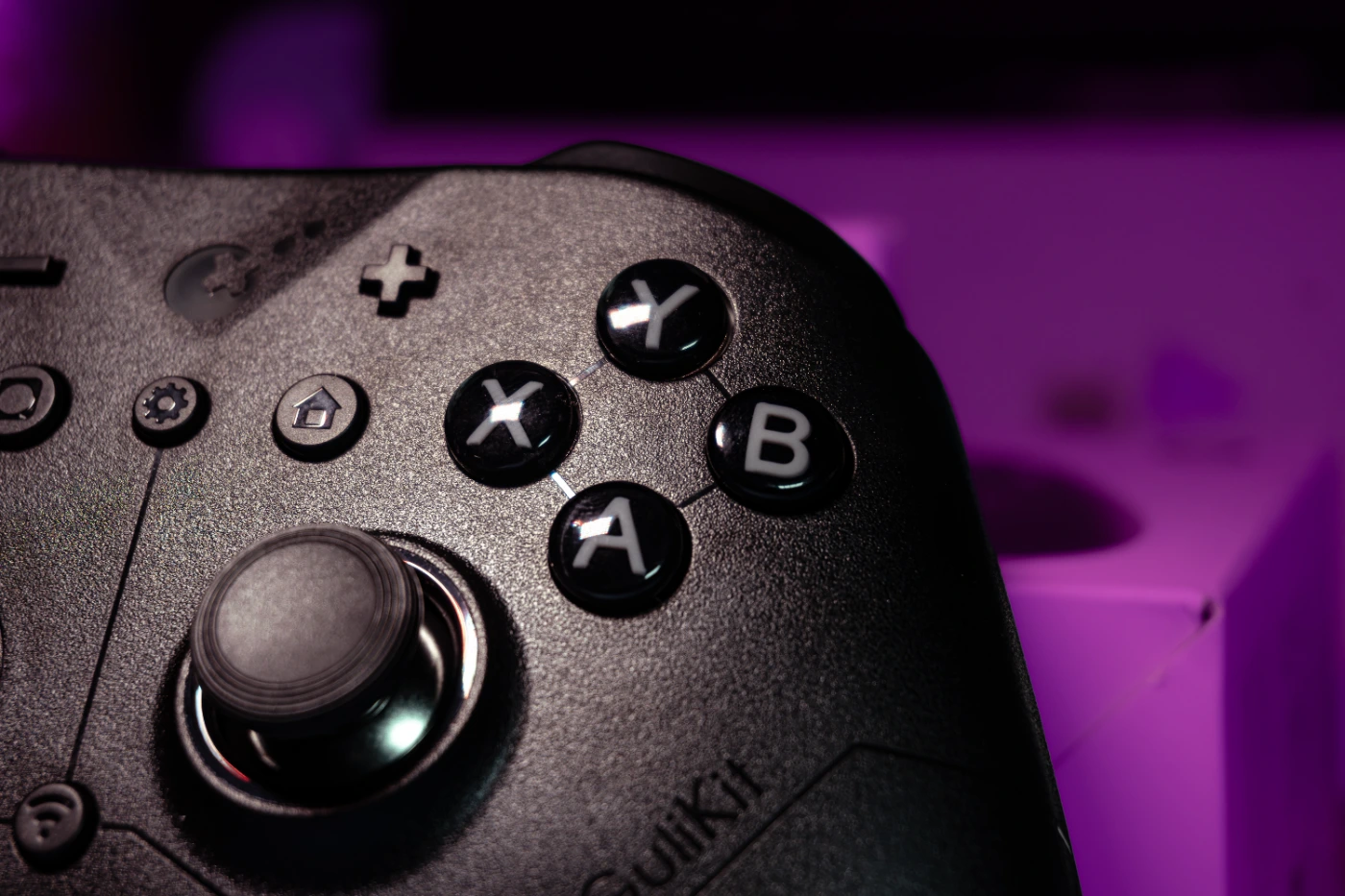
What I didn't find all too comfortable were the placement and the action of the rear G1/G2 buttons. The force that's required to press these buttons, and the angle of the button along the grip of the controller, leave it in a way that forces you to push with the middle knuckle on your finger, not your fingertip. You can kinda see this in the B-Roll I took in the embedded montage reel! Though after a few hours of gameplay, between RDR2, GTAV, F1 2025, and a quick match of HALO: CE, how did this controller hold up on my PC?
To my surprise, the controller's grip shape was quite comfortable, though the GuliKit ES MAX still feels substantially lighter than that of my XBOX Design Lab controller, even if it has a couple of extra buttons added to it. The overall feel of the controller was a bit on the "affordable" side, but it still has the textured grips you'd expect from a first-party controller! Regarding the lighter weight, GuliKit is clearly aiming this at the E-Sports gamers, because it will certainly help reduce fatigue during longer gaming sessions. My max concurrent time was about 2.5 hours per session, and I never felt that my hands were cramping by the end of it. Now I don't have anything to measure input lag, but GuliKit rates the ES MAX and the HyperLink 2 dongle at a polling rate of 730Hz with 3.25ms of button latency. Did I notice any difference? Absolutely not. Could an E-Sports pro notice it? I would say: maybe? I truly can't tell because it's all just so smooth to me, and THAT is what you want out of a budget controller! What good is it to you as a consumer if you're having to buy two controllers because one has an incredible amount of input lag? Exactly. The fact that the ES Max has been incredibly stable in an extremely noisy environment is a testament to GuliKit's engineers choosing stability over higher amounts of polling rates. For reference, my PC is about 3 metres away from my Sony BRAVIA TV that I use to game, and the HyperLink 2 dongle was as stable as the XBOX Wireless Adapter in my testing.
For $49.99 USD, does the GuliKit earn a spot in your arsenal for controllers? I would say you should heavily consider it! The overall feel of the controller, the buttons, and the clicks were surprisingly pleasant for this price range. However, even though 90% of my gaming was smooth sailing, the controller did have some initial setup quirks, like registering as a 360 Controller in Steam. Plus, the app needed an immediate update upon first use. And sometimes the controller would work better in Bluetooth than the HyperLink 2 dongle, depending on which PC I was using. But that's not to say this controller is bad because of a few quirks! It's still great for the price if you need a controller for both your PCs and your Nintendo Switch consoles. If you're looking for something for only your PCs, then yes, there are other controllers in this price range with extra features that may be better suited for your gaming needs. Features like: two sets of rear paddles, on-the-fly tensioners for the Joysticks and the Triggers. Some can even come with a wireless charger in the box for nearly the same price! But the big difference is that those are for your PC only, and the ES MAX works with all of your systems.
Yes, the fit, and finish, can fall short if you're used to first-party controllers or more premium alternatives, but that shouldn't deter you from taking a look at this controller! For 90% of us "couch gamers" who are using this to play GTA VI, Forza, or Gears: E-Day, this will be more than enough for us! And if you also find the back buttons to be in an odd position, then don't map them to anything, and you'll be laughing at Microsoft and Nintendo for saving so much money on your new controller. Thanks for reading my thoughts on this new controller, and let me know: would you buy the GuliKit ES MAX for your setup, or should we look at other controllers in the future?